





"The
annual Microsoft TechEd conference is to computer geeks what the
Sturgis bike rally and Daytona Bike Week events are to the bikers -
minus the half naked women, of course. The aviators have Osh-Kosh,
the drag racers have 'The Big Go' and the NASCAR people have Daytona. We make our pilgrimage to TechEd!"
Day 1: 6/4/07
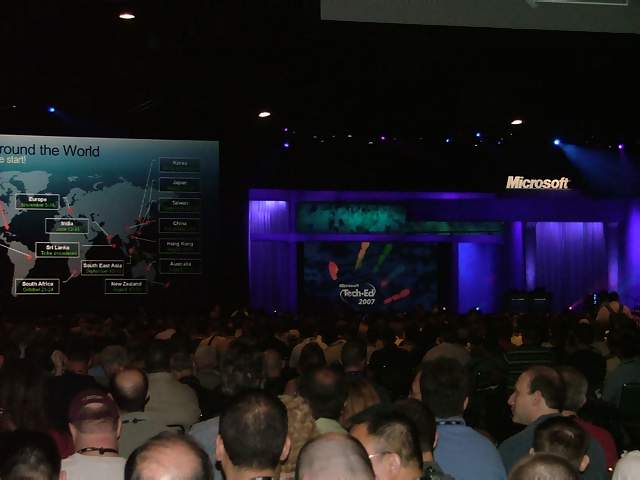
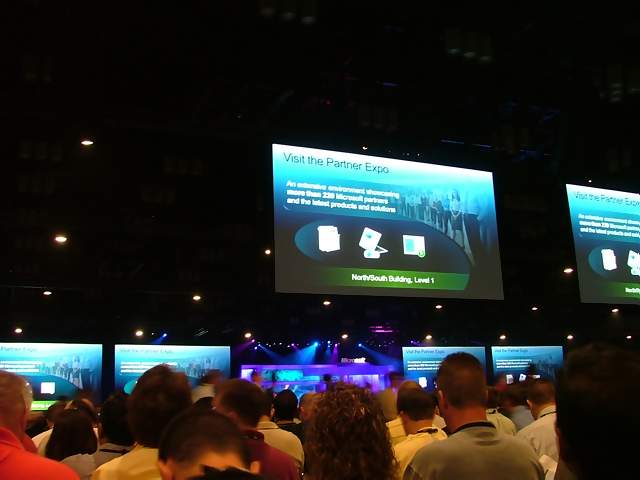
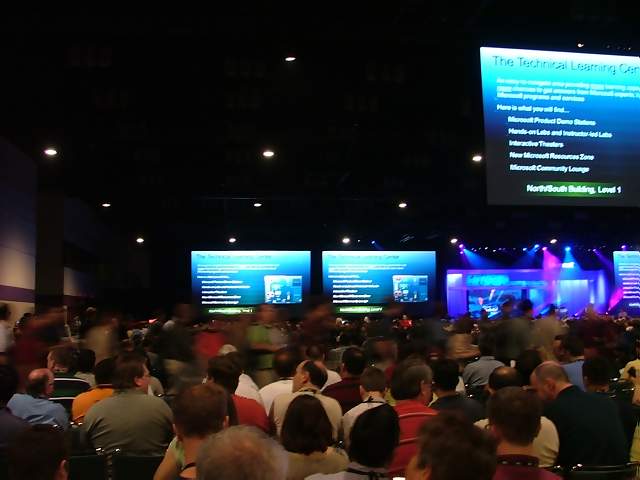
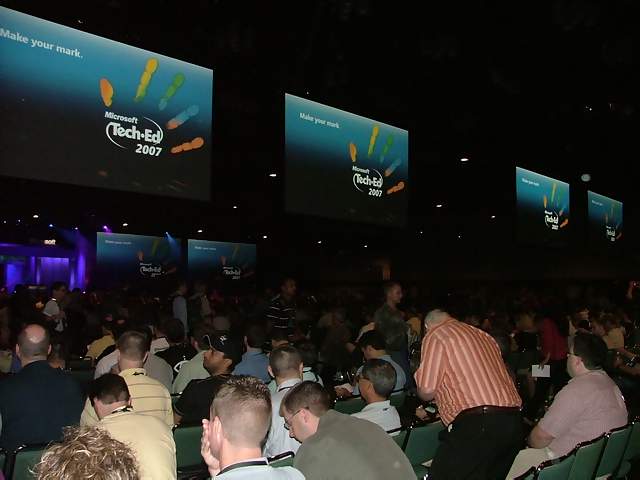
 The
first day of any event like this is always the most – well –
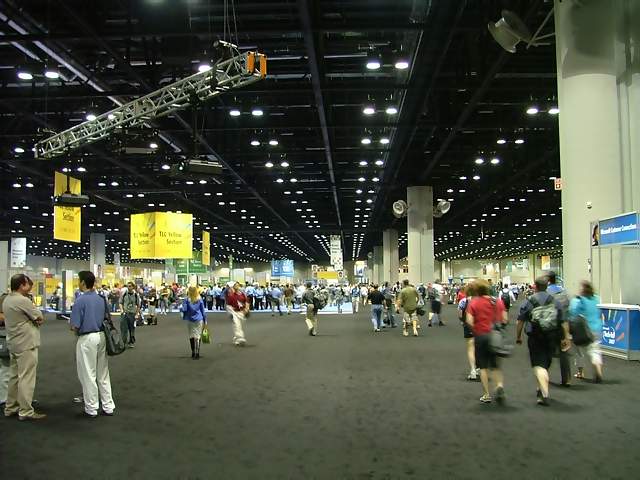
hectic. People everywhere! Thousands of computer geeks all trying
to go in different directions through a convention center, but at
the same time all trying to get to the same place – the place where
the food is and the opening keynote speech. Once the keynote was
done, things sort of calmed down as people went to the various
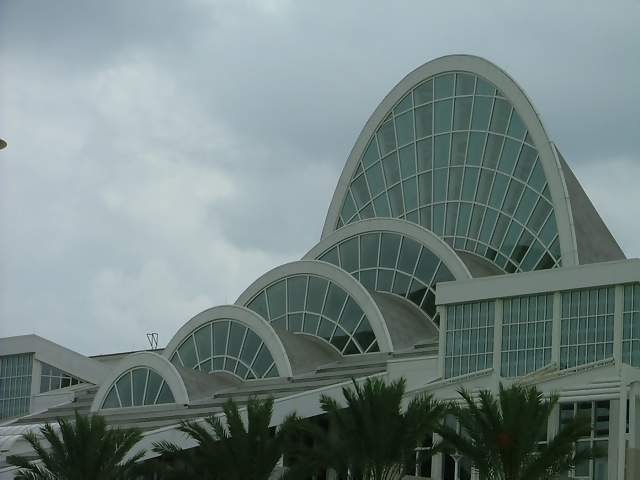
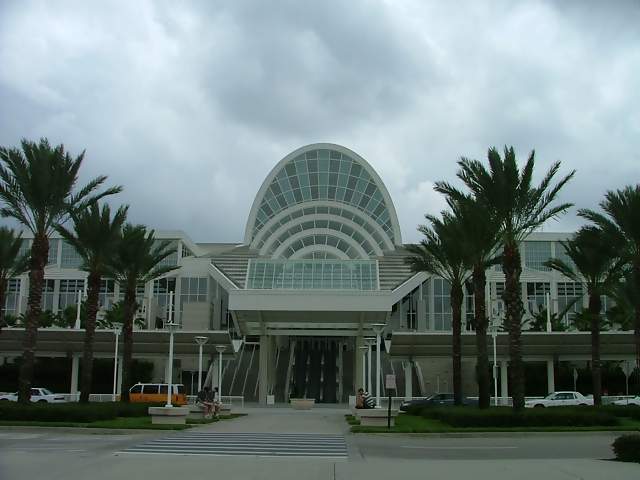
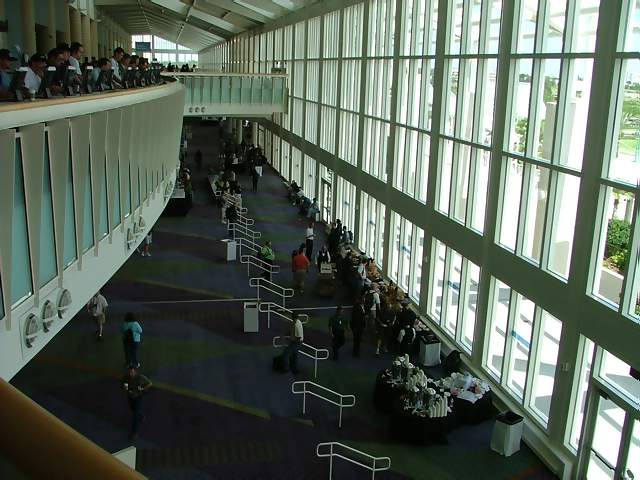
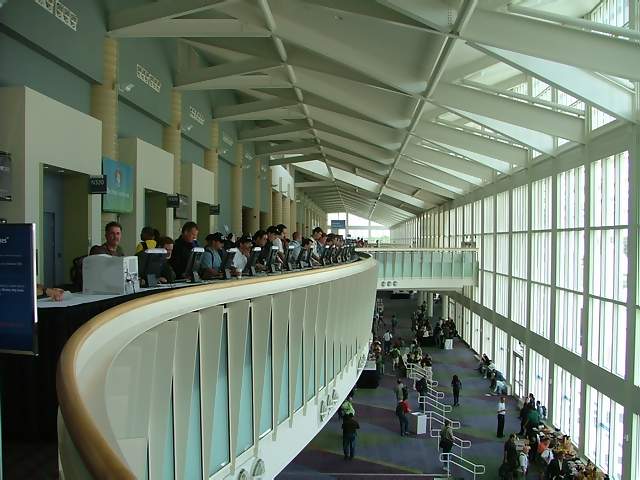
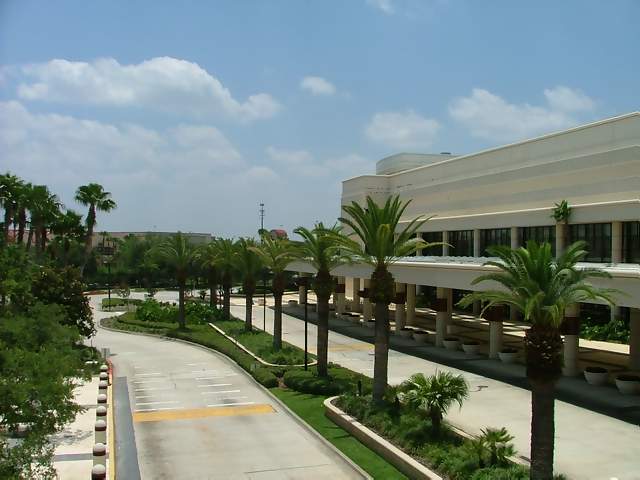
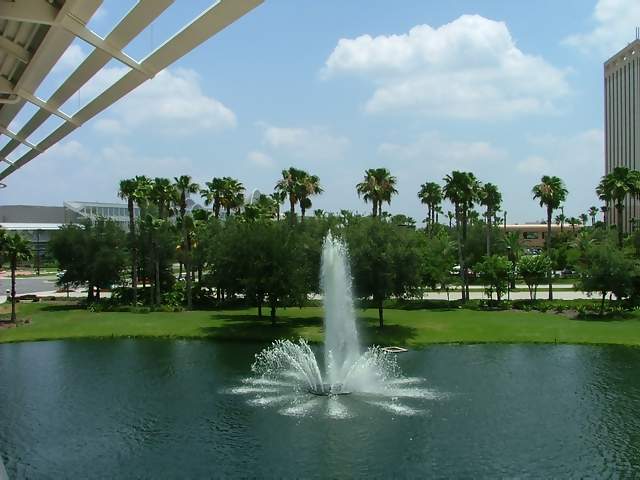
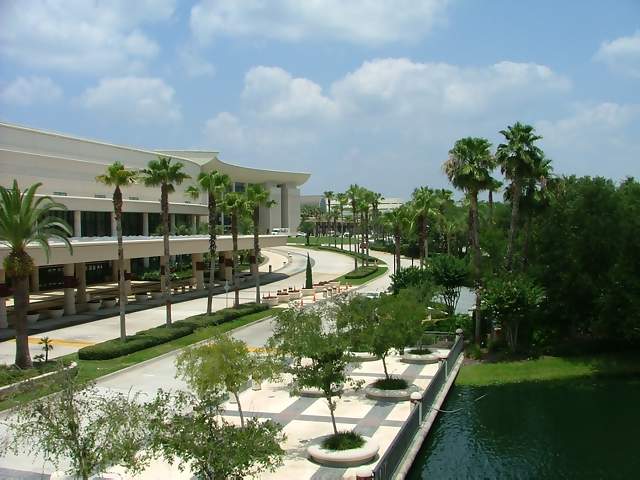
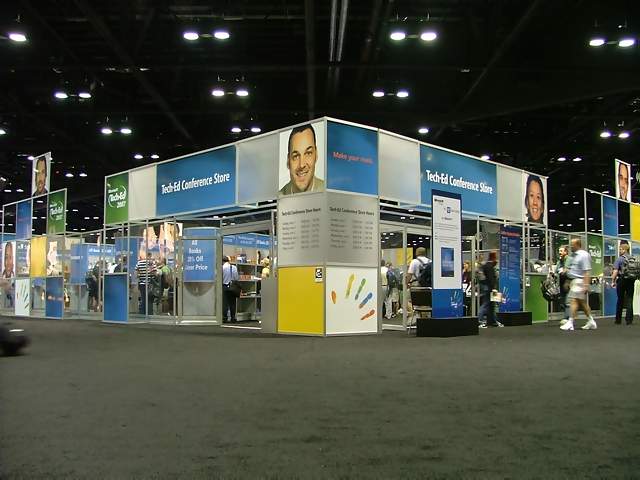
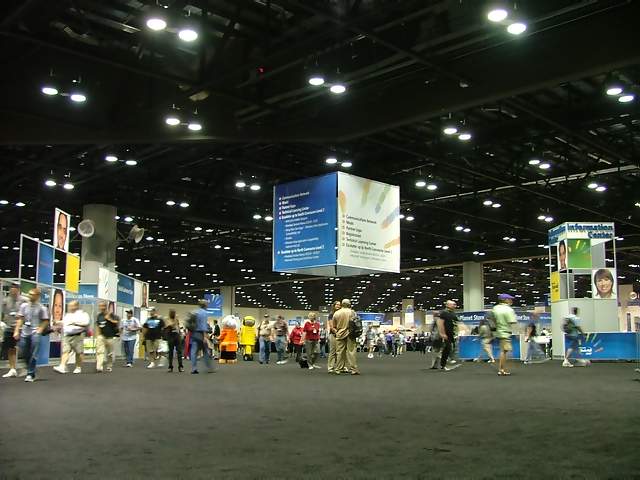
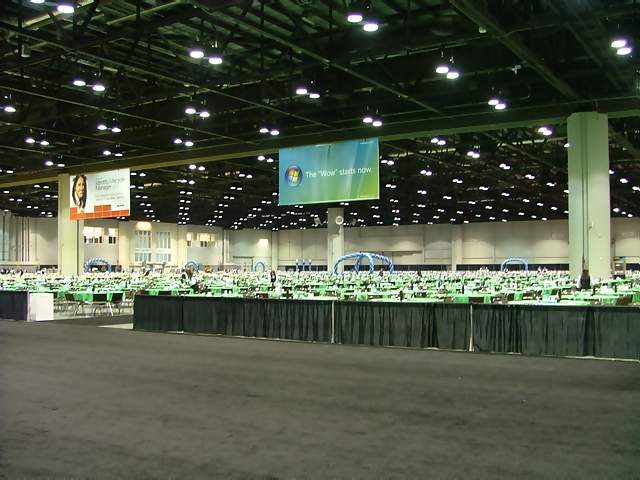
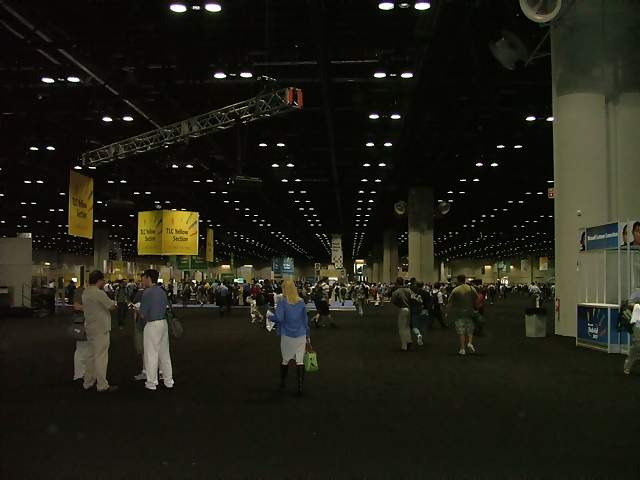
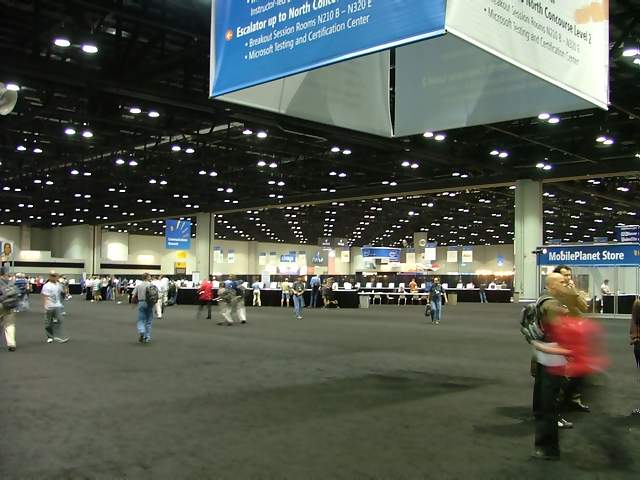
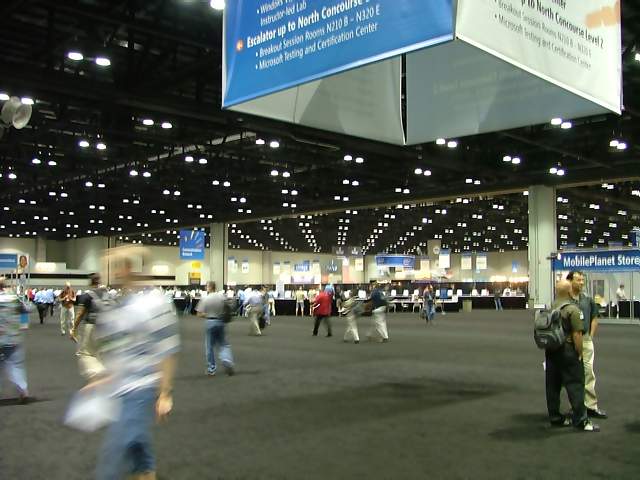
breakout sessions. This convention center is huge! They could fit
a few football practice fields in this one building alone. In the
main building where the breakout sessions were held, it is a quarter
of a mile from one end to the other. And given that some sessions
were on one end, and some on the other, we walked this quarter mile
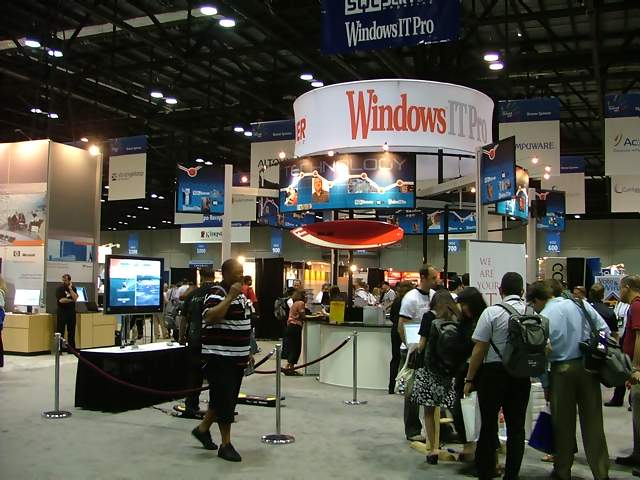
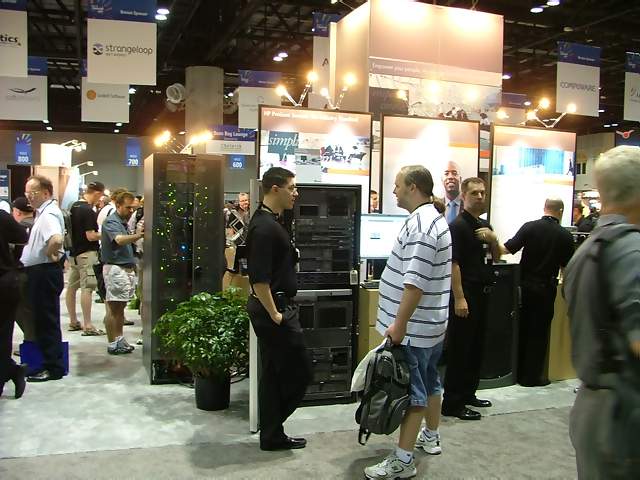
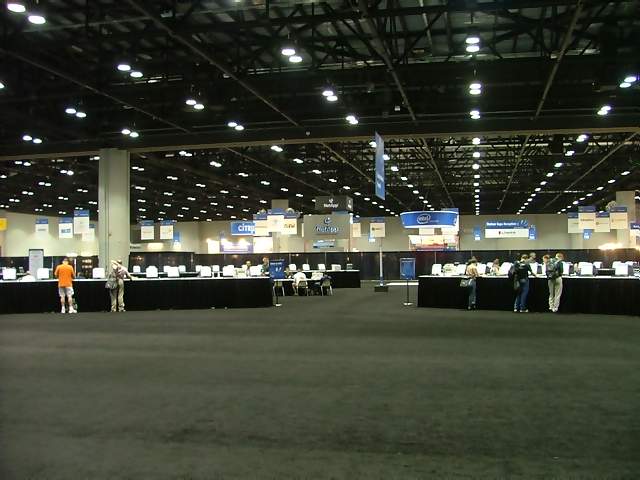
span several times a day. The images of the main expo area don’t
begin to do this place justice, insofar as giving a good depiction
of the size of this facility. The building we were in was around a
million square feet, according to sources we asked. And it was
carpeted from wall to wall. Has to be one big, honkin’ vacuum
cleaner they use in that place!
The
first day of any event like this is always the most – well –
hectic. People everywhere! Thousands of computer geeks all trying
to go in different directions through a convention center, but at
the same time all trying to get to the same place – the place where
the food is and the opening keynote speech. Once the keynote was
done, things sort of calmed down as people went to the various
breakout sessions. This convention center is huge! They could fit
a few football practice fields in this one building alone. In the
main building where the breakout sessions were held, it is a quarter
of a mile from one end to the other. And given that some sessions
were on one end, and some on the other, we walked this quarter mile
span several times a day. The images of the main expo area don’t
begin to do this place justice, insofar as giving a good depiction
of the size of this facility. The building we were in was around a
million square feet, according to sources we asked. And it was
carpeted from wall to wall. Has to be one big, honkin’ vacuum
cleaner they use in that place!
The
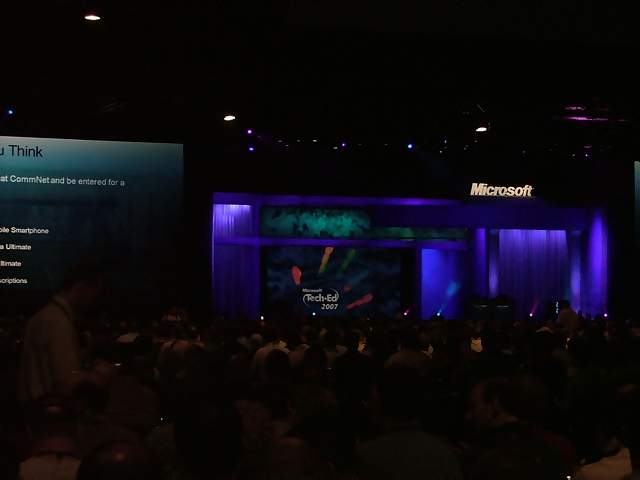
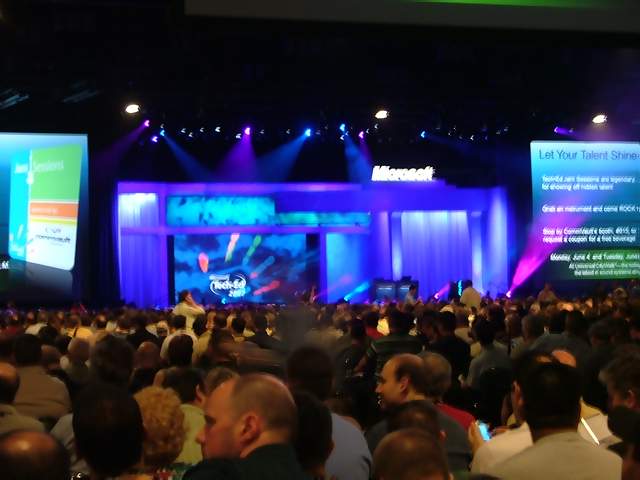
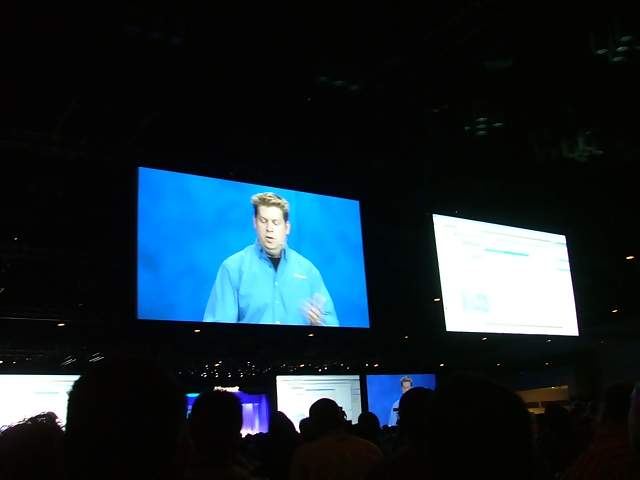
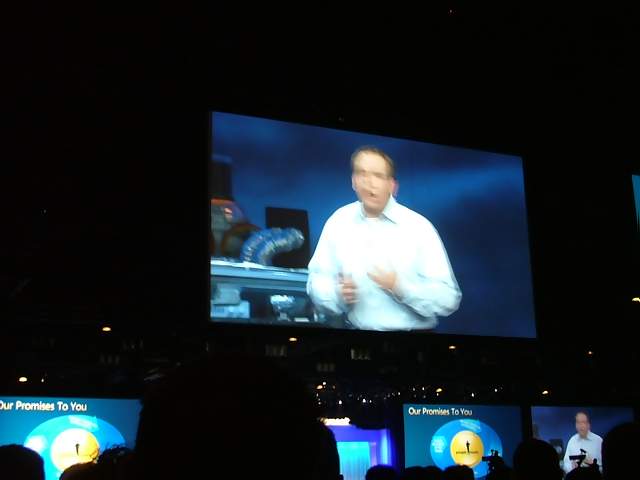
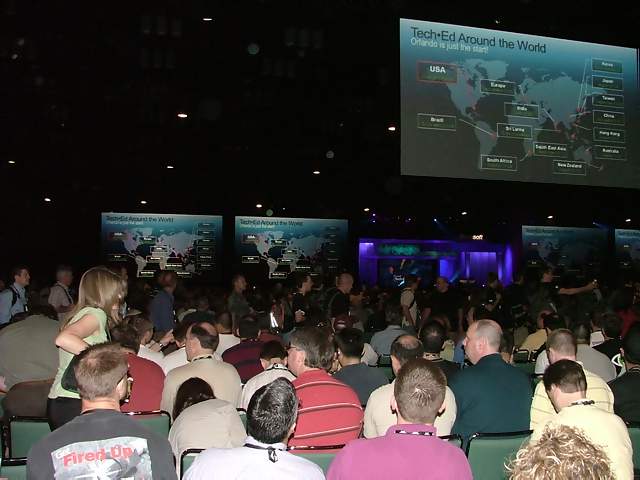
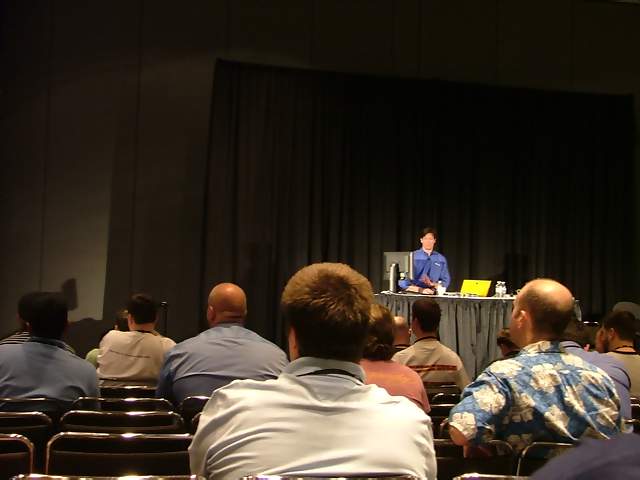
keynote by Bob Muglia started the conference. He specifically made
a point of downplaying Microsoft’s “vision” of the future, and
instead discussed what they are doing now. Security is a big theme
this year, and is being discussed in some way in many of the
sessions being offered this year. Many of the breakout sessions if
not directly dealing with security, touched on security in some
aspect. One very important idea being brought up this year is that
risk analysis is a large part of any program. Everything should be
looked at in terms of how much risk there is in losing the asset –
in this case data - and how much it costs to protect that asset. I
was reminded of the old saying that you shouldn’t “…protect a $10
dollar horse with a $50 dollar fence…”
Another
important idea lending itself to these concepts is the fact that
criminals and the reasons for attacking computer systems have
changed, and therefore our security strategies must change. It used
to be that the reason for stealing a computer was just because the
computer itself was a valuable asset and could be re-sold for a lot
of money. This was the same mentality, for example, exhibited by
someone who broke into your house to steal your television set,
stereo and music collection – they can quickly resell those items
because of their high intrinsic value. Nowadays, it is the data
that is the important target of attack. If someone can get your
social security number or credit card information, that is worth
more in terms of reusable long-term gain than the one-time sale of
the computer. And if they can get that same information about
hundreds or thousands of people, then they can sell that information
for large sums of money, and they can sell it over and over again.
In a
recent news article it was revealed that a thief can sell one person's identity for anywhere from $4 to $40 because the thieves
buying this information can then easily open fraudulent credit accounts under the
victim's names.
In other words, your identity and personal information are the
targets of attack – they don’t want your new laptop, they want your
identity.
There were a number of new tools being introduced and discussed in
depth. The problem with this conference is that we geeks were like
kids in a candy store – so many presentations, but how to decide
which ones to attend was a real challenge. I think I changed my
schedule a thousand times!
Day 2:
6/5/07
Two
recurring themes are emerging from the sessions so far: User
awareness and risk analysis are key elements of the security of any
system. Many of the technologies that continue to surface still
have the interesting aspect of the “man-to-man” factor. That is to
say: no matter how secure any new software code developments have
become, the weak link is still the human. For example, if a human
still clicks on every email link presented to them, then they are
still putting their systems and data at risk.
Steve Riley’s presentation on “Being Secure Versus Getting Work
Done” brought out very important ideas – that of offering a way to
help the IT professionals in the trenches get more management
buy-off on security projects by expressing the need as a matter of
cost. Or, as he stated, by not putting things in “propeller-head”
terms, but rather in business terms, it would be easier to get
management buy-in for security projects. For example, we don’t need
a new antivirus solution because of all the cool technical bells and
whistles that it will give us, but rather we need it because it will
save thousands of dollars per incident in IT staff costs and lost
worker productivity costs. Everything that is expressed in terms of
how much it will cost if we don’t do it, or how much it will save,
or especially how much it will result in increased sales and revenue
will immediately get management’s attention.
One
of the other main points in Steve’s presentation that I thought
interesting was that the numbers of attacks by WORMS have actually
decreased, but the number of attacks related to identify theft has
increased. The attackers have changed. Malware has become more
sophisticated, attacks are useful longer, and vulnerabilities
discovered in software now have a street value. If someone
discovers a system’s vulnerability, they can sell that information
to malware writer’s, who can then turn around and write an attack
against that vulnerability.
Being secure, according to Riley, is then boiled down to three main
tenets: Being SECURE, being USABLE, or being CHEAP. You get to
pick any two. If your systems and solutions are secure and usable,
the solution won’t be cheap. And if you want your systems and
solutions to be cheap and usable, they definitely won’t be secure.
This is where risk analysis comes into play to ensure that you are
evaluating the cost of securing versus the cost of losing the
information that is being protected.
On
a final note, Steve made an interesting point by asking the
question: “Is email even useful anymore?” He gave a (not too
surprising) statistic that stated that 82% of all email is SPAM -
unsolicited email to either sell you something, or just discover if
your email address is active. I might even classify the endless
forwarding of jokes, hoaxes, and other misinformation in this
category as well. I mean really – of the 20 or 30 emails I get at
home per day, maybe three of them are information I can use, or are
“real” correspondence from a friend or relative. I never really
hear from people anymore – I just get forwarded jokes on a daily
basis. Oh well – at least I know there are still alive and well,
which is a bonus.
But
this made a very strong case, as Steve pointed out, for the idea
that email should become subject some sort of “postmark” process,
whereby sending an email would “cost” you in terms of a few extra
seconds that it would take to generate an electronic postmark and
attach it to outgoing email messages. Yeah, I know – you are all up
in arms about being charged a penny to send an email. But Steve’s
idea is a cost in terms of computer processing, not monetary cost.
In terms of us regular users, it would take a few extra seconds to
send an email – in other words, no impact, unless of course your
email is that joke that you are forwarding to 50 friends – then you
may be waiting a few extra seconds for it to clear your outbox. But
for a spammer, who generates thousands (millions) of emails at a
time, this would tie up their computers forever, and make spamming
impossible. This would (almost) make the need for email junk and
spam filters a thing of the past. I, for one, would wholeheartedly
endorse this method for eliminating email spam.
Day 3:
6/6/07
One
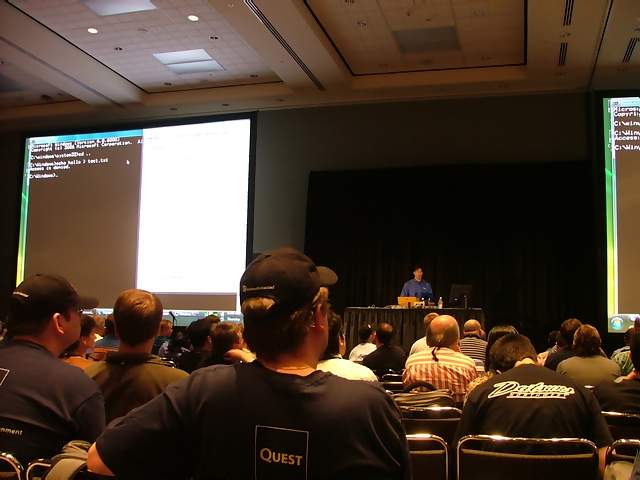
of the most interesting presentations so far: “I Can Hack Your
Network in a Day” by Marcus Murray. He gave live demonstrations
of the various ways to infect a computer with a Trojan horse, take
over a computer, and potentially an entire network. The striking
thing about this presentation is that he demonstrated how easy it is
to create a Trojan horse program, send it to a gullible user and get
them to execute it on their computer. One of the big reasons I harp
so much on the dangers of clicking on unknown links in emails, and
opening email attachments. This is exactly how these attacks get
perpetrated and proliferated. This also made a very heavy argument
for patching. There are exploits for everything, and growing by the
day. Keep your patches up to date, and stay on top of information
about new threats. And quit clicking on unknown email attachments!
Folks – the tools to do this are free and easily obtained on the
Internet. There are lots of malicious little hackers out there
using them every day, and sending these things via email attachments
and email web links to unknowing and unaware people. These are the
same people who will click on every link they get, and who will
furthermore forward these things to everyone they know. They are
risking themselves, and if they are in a corporate network
environment, are risking the company network and the data on it.
It is so simple for an attacker to send you an email, and “own”
your computer within minutes. (The term “own” in the computer world
means that someone else can come into your system, often remotely,
and do anything they want with your system). And don’t be so sure
your antivirus and firewall programs will protect you from all of
these types of threats. The back-door Trojan that Marcus
demonstrated (a program called “Beast”) has the ability to disable
your firewall, antivirus, and anti-malware programs.
Marcus went on further to discuss common attacks using USB flash
drives and iPods – these devices get left “laying around”
(translation: planted by a hacker), and some curious passerby picks
it up. People just can’t resist the temptation to put that flash
drive or iPod on their computer to see what’s in it, and BAM! They
are infected. A malicious program is secretly planted on the
computer and “phones home” to the hacker’s server. The hacker can
then control the computer, steal information, install the rest of
their hacking tools on it, turn the computer into a “zombie” to
launch attacks on more computers, and a wide variety of other bad
things.
His
final comment was simply that the OS itself is not bad, it is just
poorly configured. What that means to us is that once we build
machines, or buy them new already built for us, we should be
applying an aggressive program of hardening them. Apply all the
patches, install antivirus and anti-malware solutions, install and
configure firewall software, and above all, keep updating the
configuration with new patches and new antivirus signatures.
Marcus Murray’s Blog Site:
http://truesecurity.se/blogs/murray/default.aspx
A
presentation on Microsoft threat research by Vinny Gullotto revealed
that 3,700 distinct malicious WMF files exploited the part of
Windows fixed by MS06-001 patch. This really puts this in
perspective, because I remember the scramble we went through in
early 2006 to get this patch deployed as soon as possible. Vinny
mentioned that 38 million+ pieces of potentially unwanted programs (PUPs)
currently existed, which includes adware, viruses, remote control
programs, Trojans, bundled software, and other modifiers. This is
staggering, as it really illustrates just how big our job as
security professionals has become. Some resource that Vinny
mentioned are the Virus Information Alliance (VIA), the “Wildlist”
for viruses, and the Anti Spyware Coalition (ASC).
The
Wildlist:
http://www.wildlist.org/
The Virus Information Alliance (VIA):
http://www.microsoft.com/technet/security/alerts/info/via.mspx
The Anti Spyware Coalition (ASC):
http://www.antispywarecoalition.org/
Another extremely interesting and energetic presentation was given
by Laura Chappell, using Wireshark for troubleshooting a slow
network. Like the Marcus Murray presentation, she ditched the
PowerPoint slides and showed live demonstrations of packet trace
files and showed how to use the Wireshark packet sniffer to analyze
packets to get to the bottom of network and computer communications
problems. The presentation was extremely interesting and she did a
good job explaining the tools and methodologies. It was amazing to
find out how much traffic is being generated in the background by an
infected computer, just during the boot-up process. Her
methodologies illustrated how looking at TCP/IP traffic can tell a
lot about what is causing problems with an individual computer, as
well as those on an entire network.
Laura’s expertise is in computer and network security analysis, and
she went on to mention the same tactics mentioned in Marcus’
presentation: That of dropping a supply of USB flash drives or iPods
all over the place and seeing how many phone home. She tests this
often, and fortunately her USB devices do not contain malicious
software. But in one example she gave, she dropped 128 USB devices
in a parking lot; 124 of them phoned home to her server. That is a
clear example of how unsuspecting and unaware people really are.
This represents that almost 97% of these people took the newly found
device and just popped it right into their computer.
For
anyone interested in Laura’s materials, her lab kit and various
articles are available on her web sites:
http://www.packet-level.com and
http://www.wiresharku.com. Laura
is also doing amazing work with a project she started called the
Internet Safety for Kids (ISK) project, which can be found here.
http://www.packet-level.com/kids/
The day closed with
a thunderstorm and soaking rain. I had to duck into a local Perkins
to wait out the rain and get some dinner. A little earlier than I
like to eat, but it was pouring rain and I had a bag full of
electronics with me: laptop, Blackberry, cell phone, and camera –
which I really didn’t want to ruin. So I hung out, got a burger, and
waited out the rain. Florida in Spring!
Day 4:
6/7/07
Today started with a presentation to get an insight into how
Microsoft deals with IT security internally within their company.
With over 500,000 computers and 120,000 to manage, security is not
an easy task, but Microsoft appears to have some sound strategies in
place to handle it, whereby information security is process driven
and based on industry standards. The IT security staff at Microsoft
makes up approximately 4% of the entire IT staff. Much of what is
done related to IT security within Microsoft revolves around the
Enterprise Risk Management Framework and the Trustworthy Computing
Initiative. Policies are published, and industry standards are put
into place to ensure security. Executive sponsorship of the IT
security tenets is very strong at Microsoft as well, which is one
leading factor in the success of such programs. In many
organizations, IT security is viewed as a “tax to the business.”
That is to say that users view the security practices as burdensome
and preventing them from doing their jobs.
Price Waterhouse Coopers, Enterprise Risk
Management Framework:
http://www.erm.coso.org/Coso%5Ccoserm.nsf/frmWebCOSOHome?ReadForm
Trustworthy Computing Initiative:
http://www.microsoft.com/mscorp/twc/default.mspx
http://www.microsoft.com/mscorp/twc/twc_whitepaper.mspx
Technology, such as implementing network access protection (NAP),
BitLocker (Windows Vista’s encryption implementation) on laptops,
and implementation of two-factor authentication are some of the
things that are used at Microsoft to ensure security security.
These technologies provide sound and secure methods to keep an
environment secure, but still enable people to do their jobs.
What most impressed me about Microsoft’s internal information
security stance was that they made their employees sign acceptable
use policy acknowledgement statements, and that non-compliant (i.e.
un-patched) machines were denied access to the network until they
became compliant. If a company like Microsoft can implement these
types of processes, then why are so many of our other companies
having such a hard time doing it? I think part of the answer rests
with the fact that many users are unaware, many users view the IT
staff as the “network janitors” and many people simply view IT
security as a tax (burden) on business processes.
Mark Russinovich presented a talk on the changes in the Windows
Vista kernel. Some of the notable new features in Vista include
user access control (UAC) and some features that provide better
performance. This includes such things as the ability to delay
services so that they don’t all try to start up at once. Many who
run current and older versions of Windows can attest to the fact
that all the services that try to start up at the same time can
really make the boot process painful.
The user access control feature is a big security enhancement
provided by Vista. This will eliminate the need for users to always
run in the context of a computer administrator. Those who have run
OS’s such as Linux in the past have already experienced this type of
environment, so those users won’t feel that UAC is a foreign
concept. If you are doing something that requires administrative
privileges, you will be prompted as such with a grayed out desktop
and a pop-up box that asks you to confirm administrative elevation.
The interesting thing is that the grayed out desktop in the
background is only a graphic representation of a desktop, not the
real desktop – this actually prevents malware from doing its job.
Day 5:
6/8/07
The
final day of the conference! On one hand, I want to hurry up and
get this over with so I can just go home. I have been on travel a
lot lately – three trips (including this one) since the middle of
April. Living out of a suitcase and eating at Denny’s is getting
old. On the other hand, there were so many presentations I wanted to
see, but didn’t get to because of conflicts with other
presentations, and wanting to visit the vendor expo. The crowd has
really thinned out by now, but there are still quite a few people
here. I will be interested to find out how many people were in
attendance this year – had to be well into the tens of thousands.
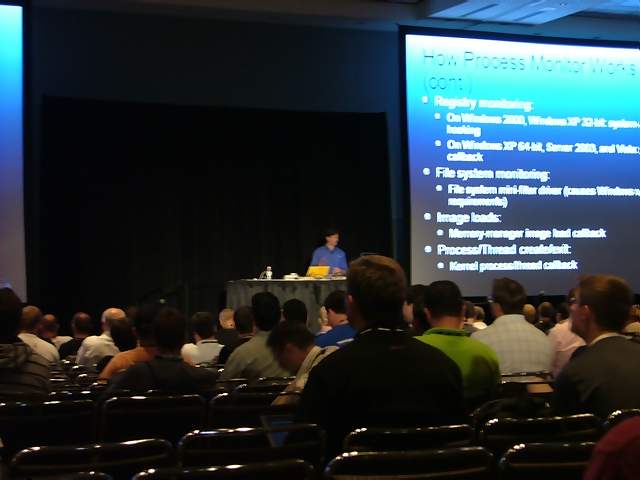
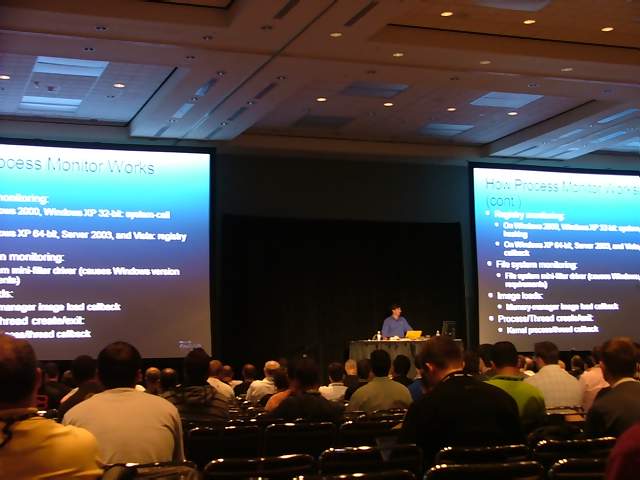
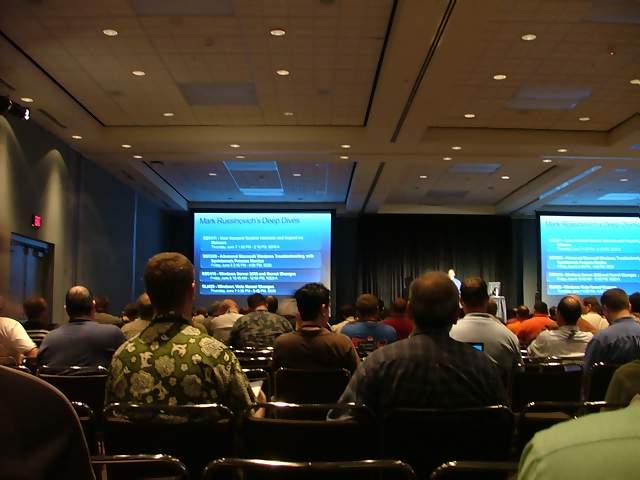
They saved the best for last. I attended a few Mark Russinovich
talks on the internals of Windows Vista, and using some of his
Sysinternals tools to troubleshoot systems. There are a number of
free tools that fall under the former Sysinternals umbrella, but are
now distributed by Microsoft. Mark Russinovich’s tools are
extremely easy to use and leave a very small footprint on the system
because they don’t get installed. By developing some
troubleshooting skills and using these tools, the average IT
technician should be able to better troubleshoot systems.
Troubleshooting is all about investigating and trying to see what
should or should not be happening. Process Monitor and Process
Explorer give a much more in-depth picture of what processes are
running, how much of an impact they are placing on resources, and
even what malicious processes are trying to spawn processes that can
harm your system. Many of Mark Russinovich’s presentations from
past TechEd conferences can be found on the web (see resources at
the end of this article. – definitely worth a look.
The Conference
in Review:
So
what do most computer geeks take away form conferences like this?
Well, I took away some very important ideas from this year’s TechEd
conference: 1) The attackers, as well as their motivations and
methods have changed; 2) Everything in security must be approached
from a risk analysis and economic standpoint; 3) People are still
security unaware and must be educated; 4) Microsoft is (still) not
the problem, as I have indicated in my blogs a number of times.
The attackers have changed: Notoriety and getting
attention used to be enough for the bad guys. They just wanted to
inflict damage, interrupt people’s lives, and get noticed for it.
But they figured out that this kind of deviant behavior pays, so
they are out to make a buck by finding vulnerabilities, writing
exploit code, and stealing data.
Risk analysis is everything: It isn’t enough to simply
say that you want to be secure. It is important to find out how
high a priority your risks really are and implement appropriate
protections. Security professionals have said it a million times:
“Don’t protect a $10 dollar horse with a $50 dollar fence.” And in
order to pursue projects to put appropriate protections in place, it
is important to illustrate to management to economic benefits of
these protections. Otherwise, they will just view security as
another expense for which they won’t realize any benefit. As Steve
Riley and Jesper Johansen mention in their book
“Protecting Your Windows Data From
Perimeter to Network”: You are implementing security
"so that nothing will happen." Meaning that the goal is
for nothing to happen to your data, other than it being safe and
accessible.
People are security unaware: It’s not that people are
blatantly against doing the right thing, it is mostly a case of them
not knowing what the right thing is. Further, they need to know how
being secure will benefit them, not just that security is a mandated
process. If people have some insights into why they need to be
secure, the benefits and consequences to them personally, and how to
do it, it will be much easier to get their buy-in.
The
TechEd experience was unique. Not that I will be anxious to do it
again (once is enough), but it was time well spent, and very
informative. I got to see live presentations from some well
respected names in the computer security biz, and had a chance to
see some of the new technologies that Microsoft is producing.
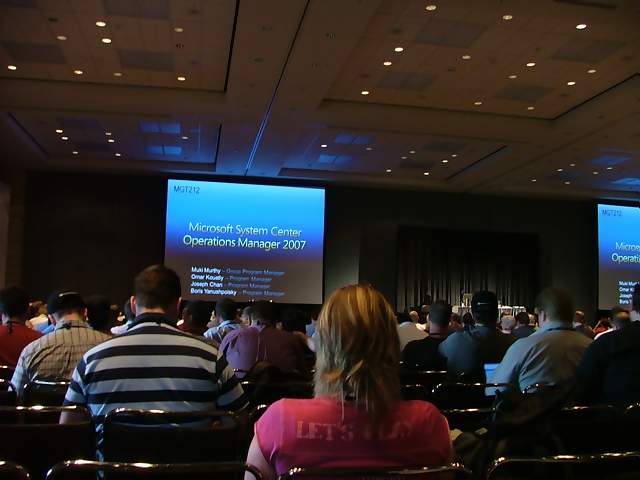
TechEd Photos:
Orange County
Convention Center:






























Keynote and Sessions:





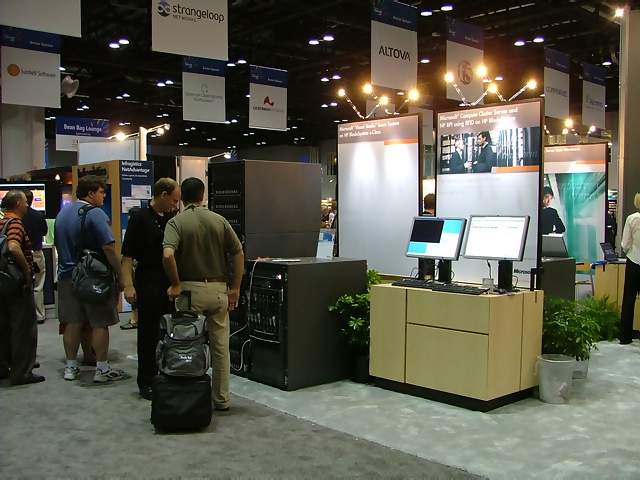
Vendor Expo and Main Floor:










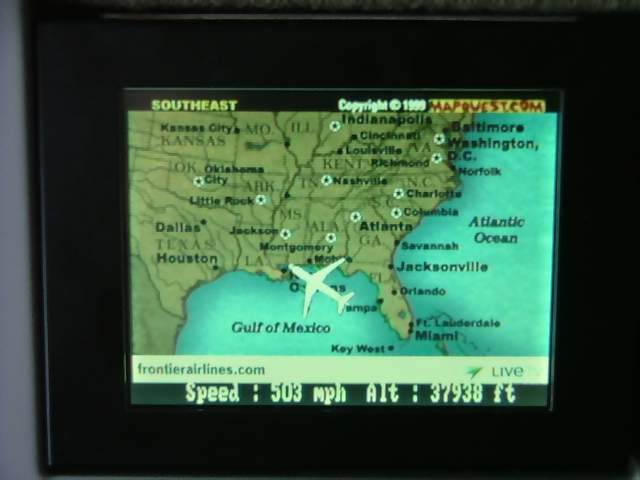
Orlando Airport and Flight Home: